And…Action!
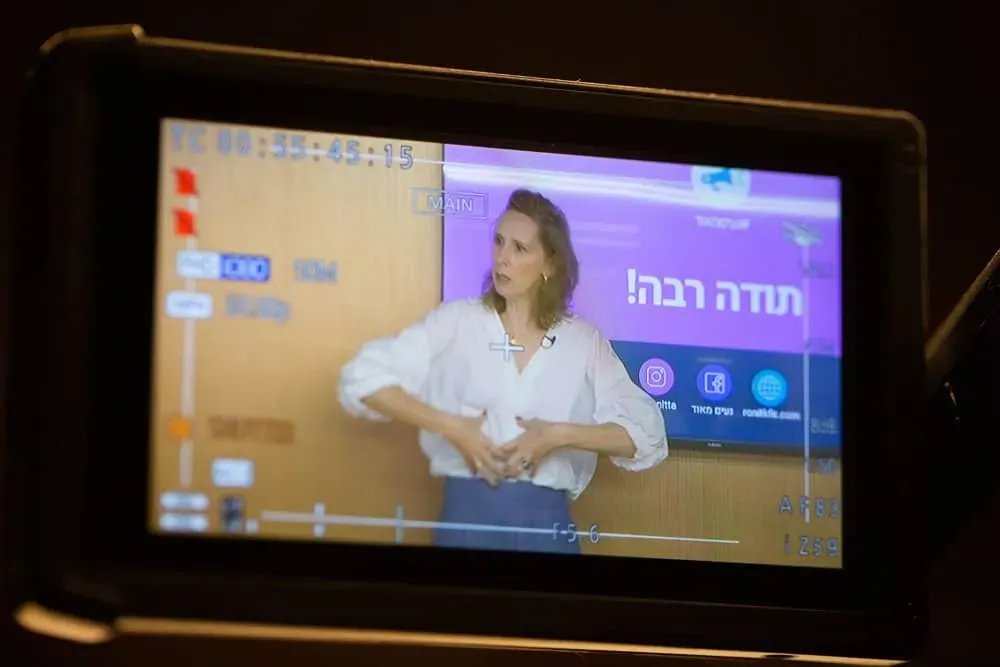
The coronavirus has been with us for almost a year, but it seems some formats are here to stay. So we wanted to help you make sense of the chaos and prepared a review of online events for companies and organizations specifically for this period, so you can understand what options are available with us and what’s best for you!
ZOOM Events
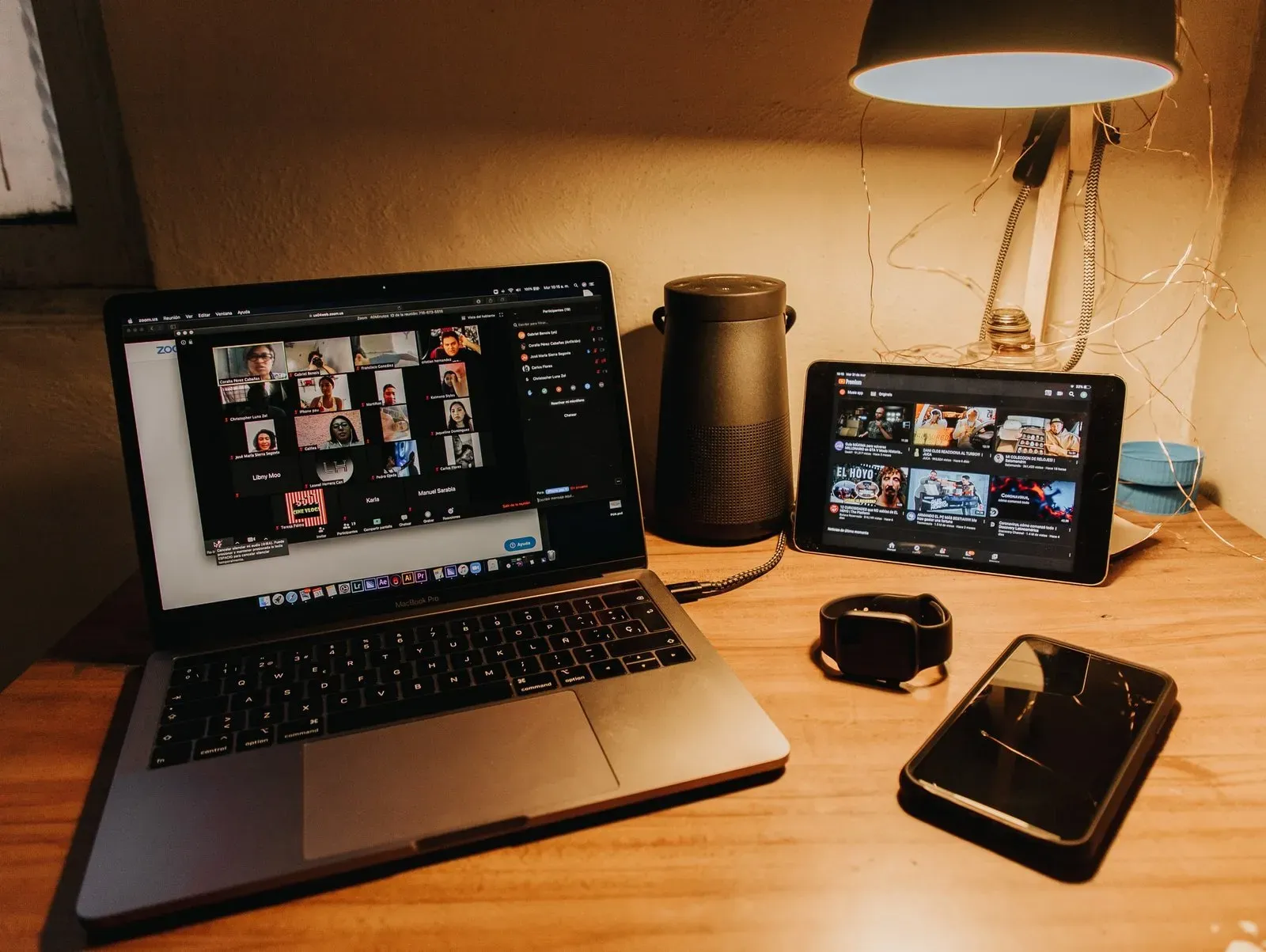
If there’s anyone who doesn’t know this interface, they were probably on a magical beach in Zanzibar over the last year… A ZOOM event is a tool for online mass meetings, with a wide range of users. Educators, board meetings, companies and organizations, everyone uses the ZOOM company interface which has gained incredible momentum in the past year. The main goal is to maintain contact with customers, employees, and suppliers. How do you do it? Connect a camera, send a link to all participants, and start broadcasting.
Advantages:
- Free interface for up to 100 users and 40 minutes per meeting
- Simple, intuitive, and installed on almost every computer
- Ability to share screen with participants
- Can control the speaker’s background
Disadvantages:
- Limited in number of participants and time (in the free format)
- Unable to split screen between speaker and presentation
- Sound issues when sharing videos and presentations
- The backgrounds are nice but don’t work smoothly and are less suitable for a professional audience
Bottom line:
ZOOM in its free format is a good platform, requires relatively narrow bandwidth for users, and provides an adequate solution for beginners. We should note that there are parallel systems like Webex or Microsoft Teams, which have many advantages over Zoom, but that’s for another review.
Professional ZOOM Event
So after a few Zoom experiences, we’ve understood that it’s not easy to keep viewers with us for a long time. It’s a problem for all of us. We live in a fast-paced world where frames on TV change every 8-12 seconds and clips on MTV every 4 seconds or less. Therefore, sitting in front of a screen for an hour or more, facing a single frame, is not an easy task. Additionally, not everyone was born to “cross the screen” – there are great speakers who stand amazingly in front of an audience, but ZOOM challenges them and they don’t get the desired result compared to their face-to-face meetings. To try and bridge this gap, we need to broadcast the experience in a way that’s more similar to a TV show.
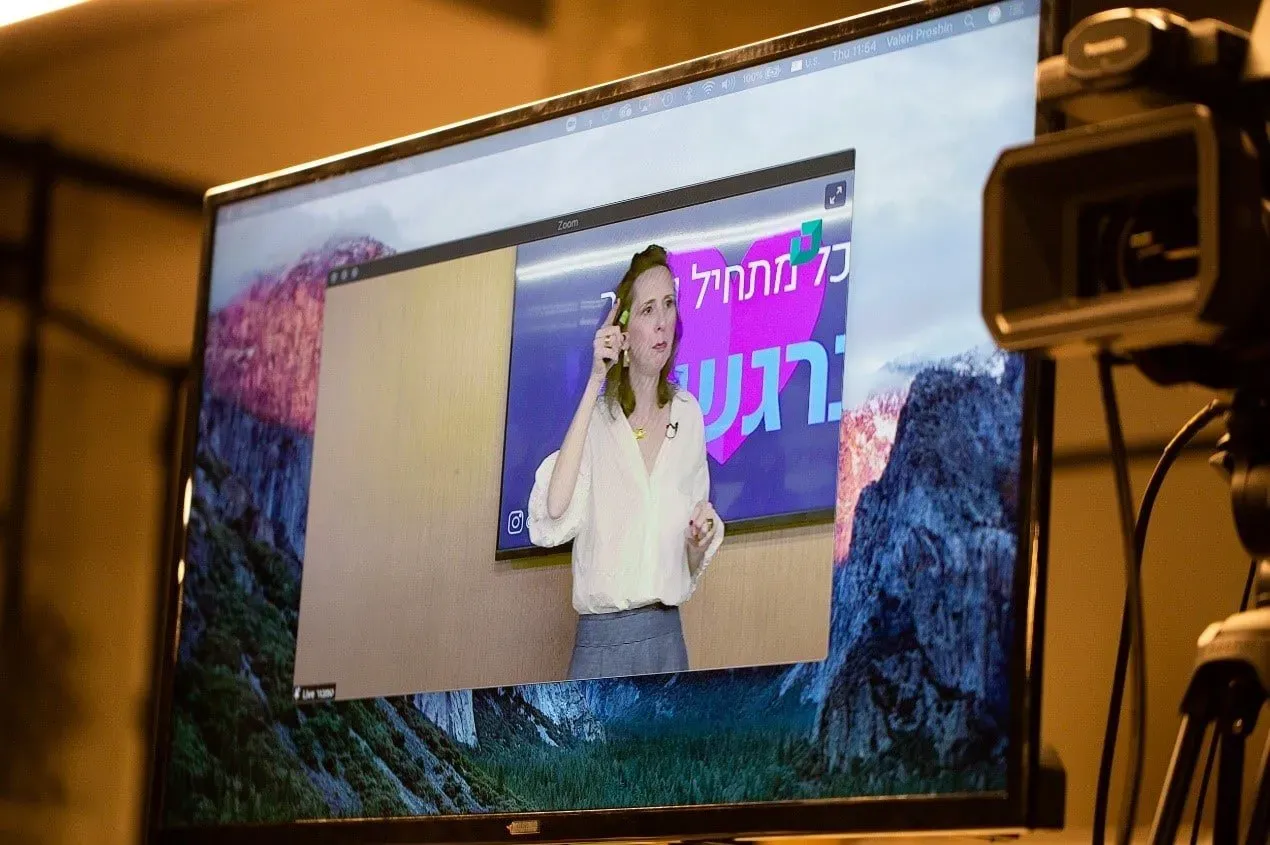
A professional ZOOM broadcast is divided into two parts. There are the viewers at home/work and there’s the broadcast team with the lecturers and speakers. Such an event is based on the ZOOM platform but pulls the broadcast into a routing mixer similar to a TV studio. The mixer contains presentations, transparent logos, live broadcasts, speaker sound, prepared recordings, and more. A professional is in charge of this set, orchestrating all these tools and ensuring they are combined according to a clear lineup, in a professional and precise manner. The viewers, on their end, connect to Zoom in a completely normal way, which is a huge advantage.
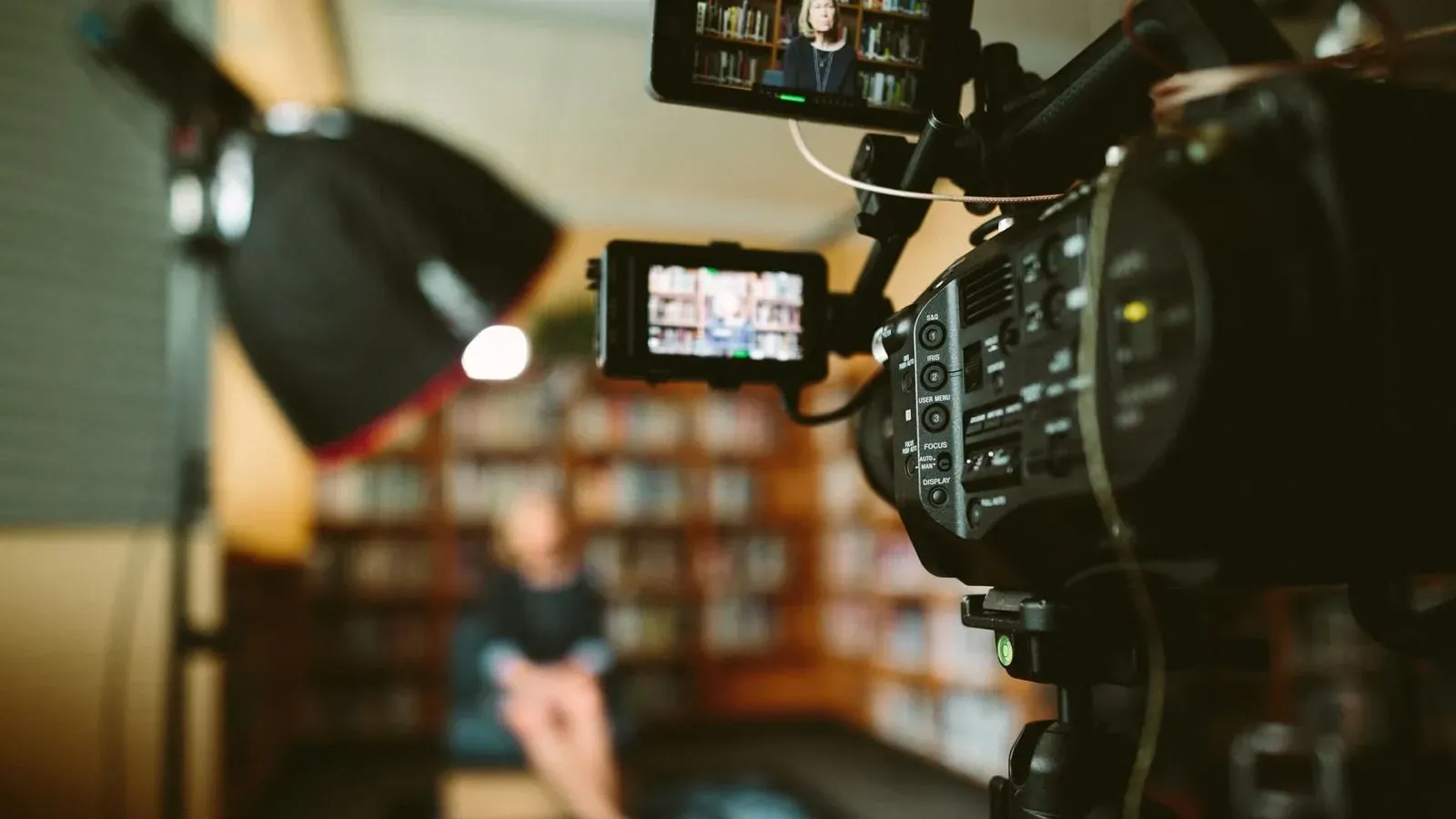
The broadcast team is equipped with two or more professional cameras connected to the routing mixer. The speaker is connected to a dedicated microphone, and the sound quality is smooth and clear. The use of two cameras makes the broadcast more energetic and allows filming the speaker or panel from two different angles. It’s also easy to switch between a presentation and the speaker’s frame, and it’s even possible to combine a speaker in part of the screen alongside the presentation. In some systems, it’s possible to designate some of the people sitting at home as speakers and present them on the split screen as a professional panel.
Using such a system, of course, allows sharing video and presentations smoothly without sound problems or interruptions that occur when working with the simple ZOOM system.
This experience can be further upgraded by printed branding in the background of the speakers or using a green screen on which we can project any fixed or dynamic background, customized for you. A branded background serves to convey messages and strengthen the brand, and provides a much more professional look than backgrounds in ZOOM.